
Pick your photo source
Start from Favorites, an album, or a custom date range in your camera roll.
 Grove
Grove






Post like a pro in 3 taps.
Choose a time range, pick your vibe, and get curated photos plus a ready-to-post caption in under 30 seconds.
Subscriptions are available in-app via the App Store. Core curation and captioning stay on-device.
MakeMyPost — on-device, private, and built for iOSExplore features
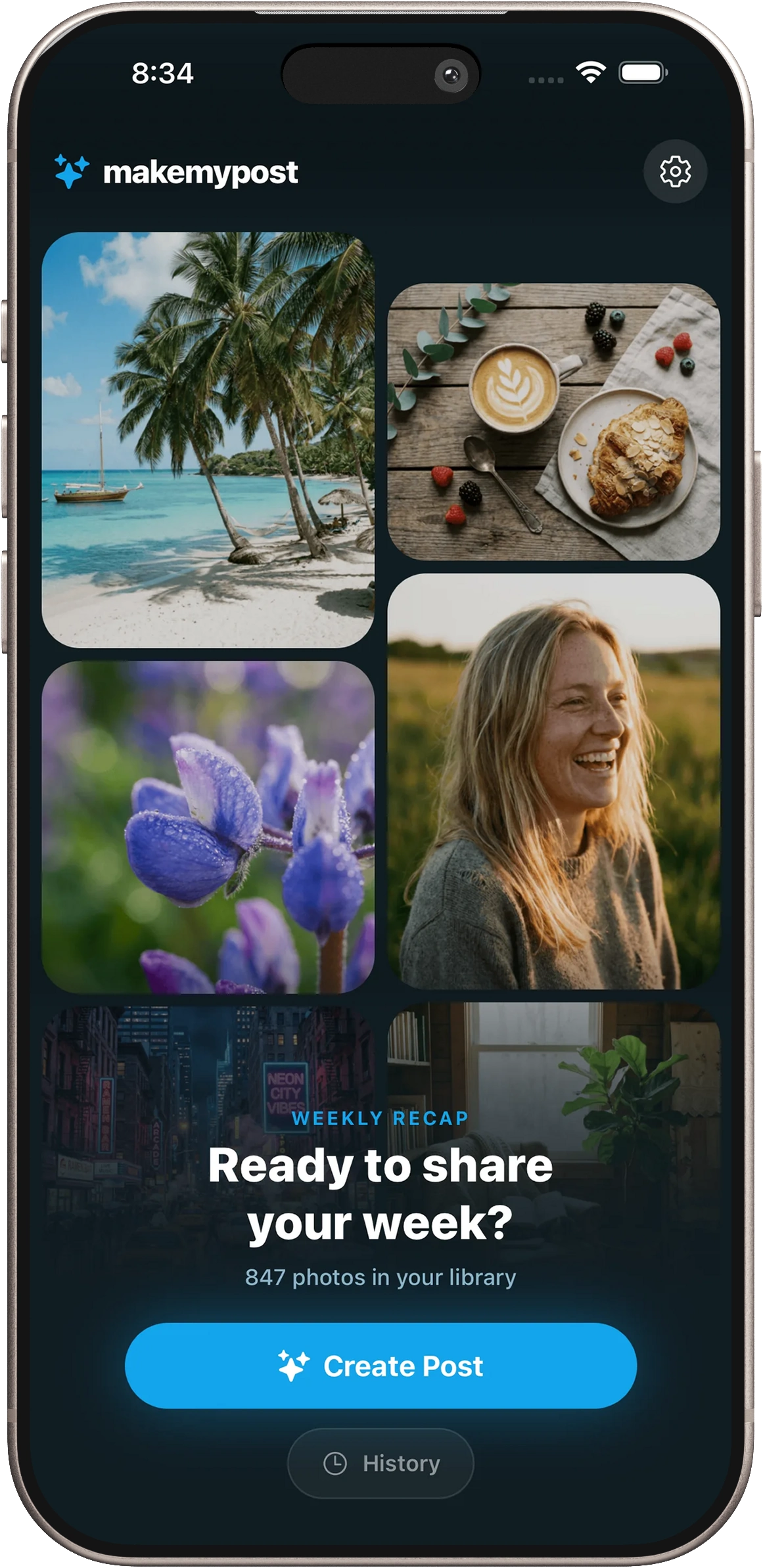
A clean, three-step flow designed to get value in under a minute.
Start from Favorites, an album, or a custom date range in your camera roll.
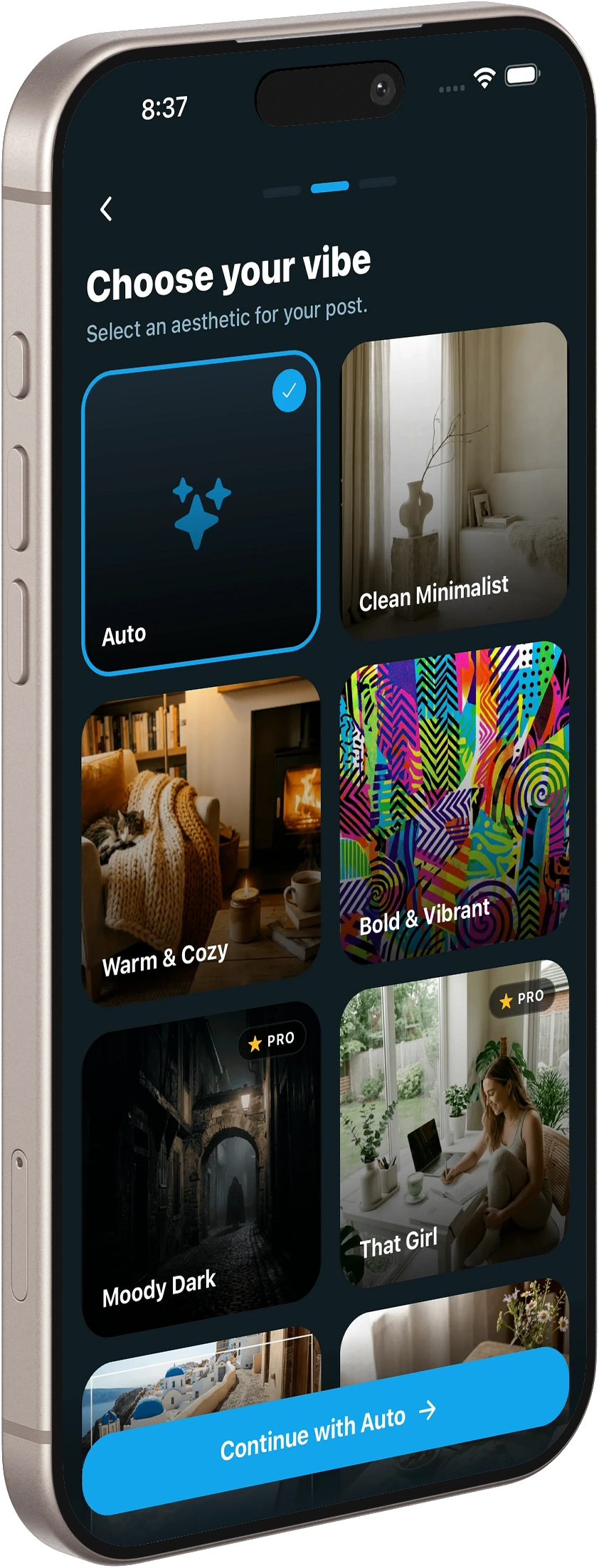
Select one or more vibe filters to prioritize the photos you actually want to post.
Set Feed Post or Stories, choose photo count, then review and share your curated result.
Core functionality focused on speed, privacy, and output quality.
AI scans your selected range and ranks shots by quality, faces, and variety.
Choose from Solo Photos, Group Photos, No People, Landscapes, Food Photos, Pet Photos, and more.
Generate a caption draft, pick Feed Post or Stories, and export to Instagram, TikTok, Facebook, or X.
“It picked the same photos I would've chosen, but way faster.”
— Creator
“I finally post consistently because the caption step is done for me.”
— Small business owner
Browse suggestions by album, favorites, or date range so you can select the right moment quickly.
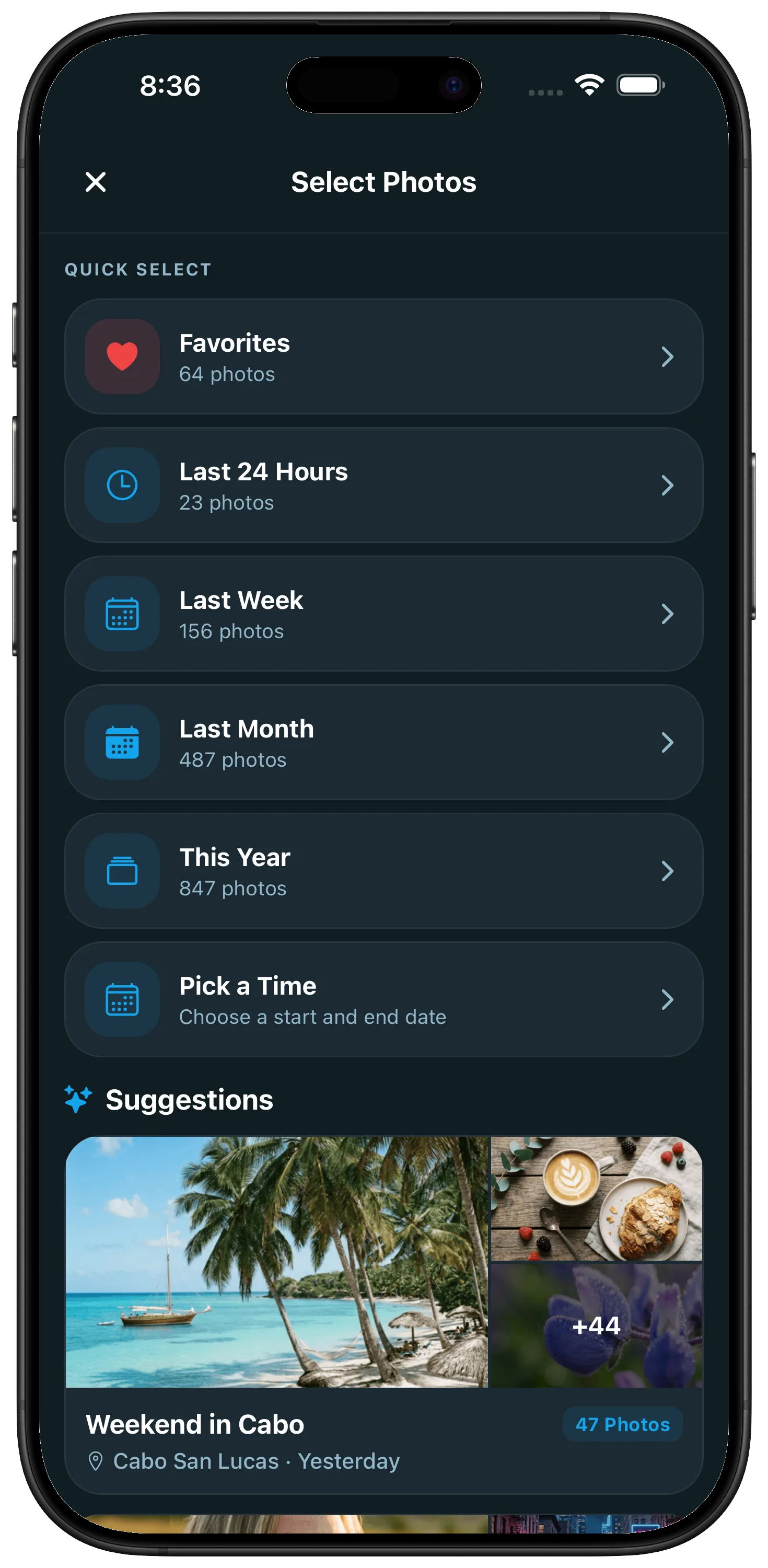
MakeMyPost photo source and suggestion selection screen
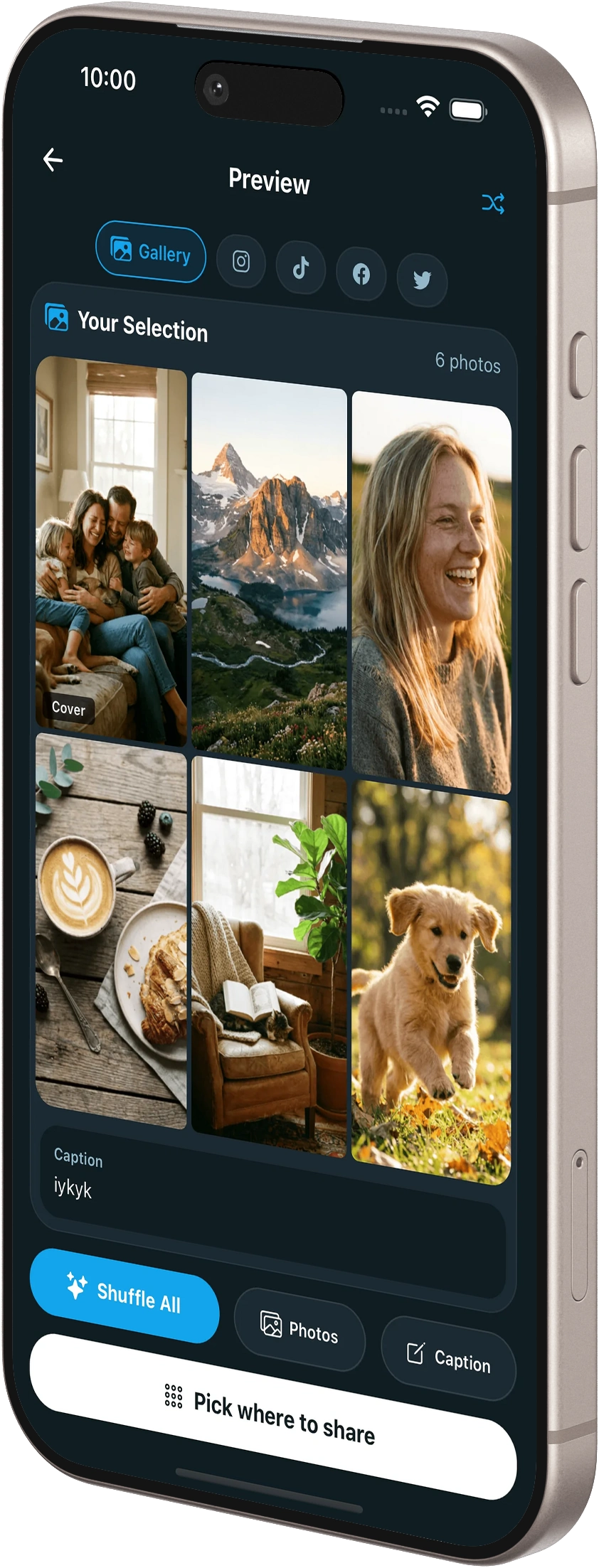
Review curated photos and caption drafts before exporting to your social app.
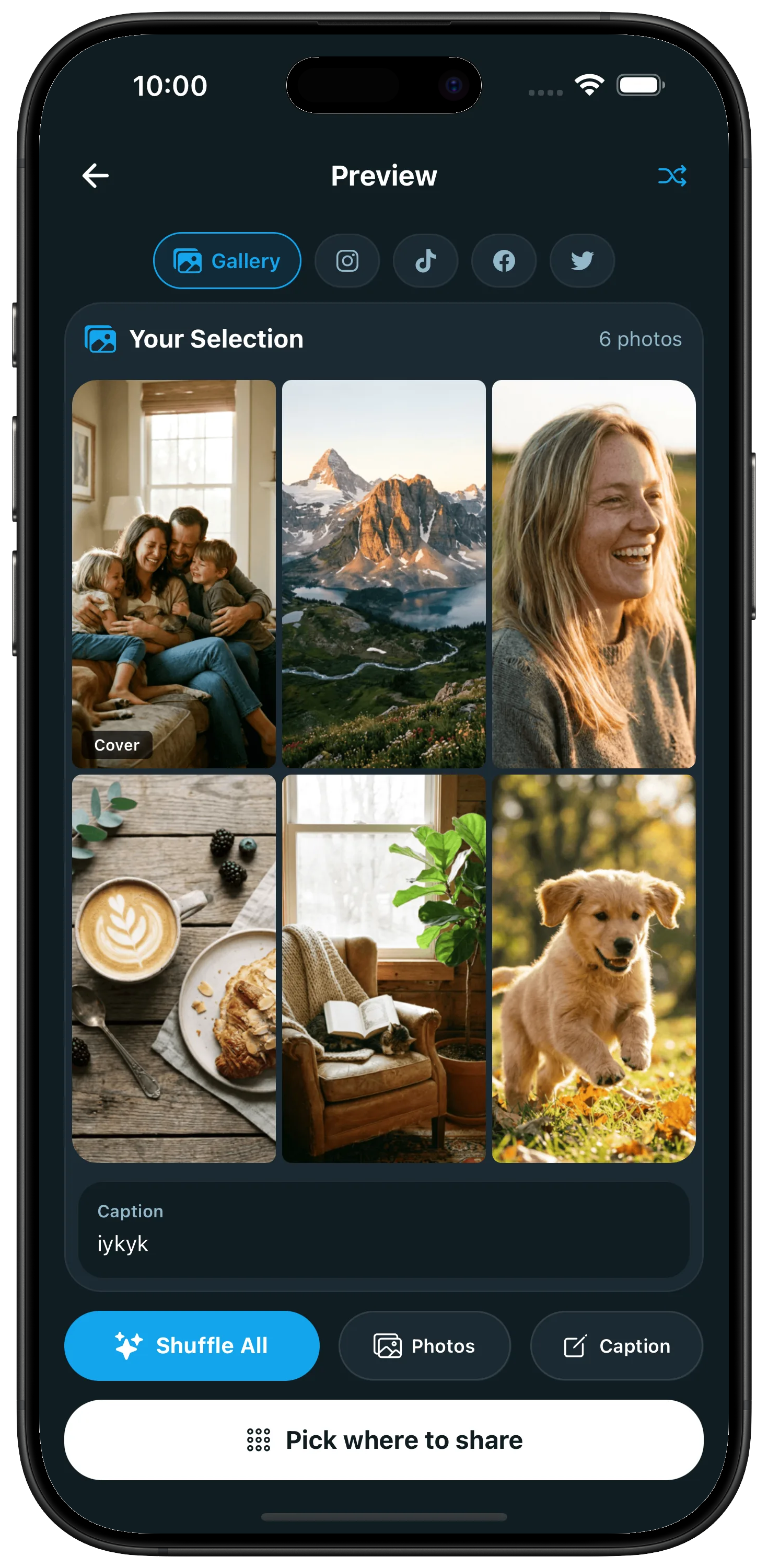
MakeMyPost result screen with curated photos and generated caption
Requires iPhone 15 Pro or newer running iOS 18.1+ with Apple Intelligence enabled.
No. Processing stays on your device. We do not collect usage data or store your content.
You can export selected photos and captions for Instagram, TikTok, Facebook, and X.
Email support@trygrove.dev and include your iOS version, device model, and what happened.
Photos and captions are processed on-device. Only content you choose to share is sent to social platforms.
Check docs first, then contact us with details so we can help quickly.
Step-by-step guides and troubleshooting for MakeMyPost.
Reach us directly for bug reports, account issues, or product questions.
See exactly how on-device processing works and what we do not collect.
Fast, private, on-device results with no account required.
Download on the App Store