
Start recording
Tap once at the start of a meeting.
 Grove
Grove




 Meeting Notes
Never Miss a Detail.
Record once and get structured meeting notes, action items, and decisions automatically.
No subscriptions. No in-app purchases. Meeting Notes runs on-device with Apple Intelligence.
Meeting Notes now ships with replay-style motion and icon-rich layoutsExplore features
A clean, three-step flow designed to get value in under a minute.
Tap once at the start of a meeting.
Speech is converted to text and organized while you talk.
Send action items and notes to your team right away.
Core functionality focused on speed, privacy, and output quality.
Capture meetings immediately without setup friction.
Extracts decisions, action items, and key moments automatically.
Transcription and summarization stay on-device.
“My team thinks I hired a note taker.”
— Product manager
“Action items are finally clear after every call.”
— Founder
Skip walls of text and get structured output focused on what to do next.
Transcript transformed into summary and tasks
No cloud handoff means private business discussions stay local.
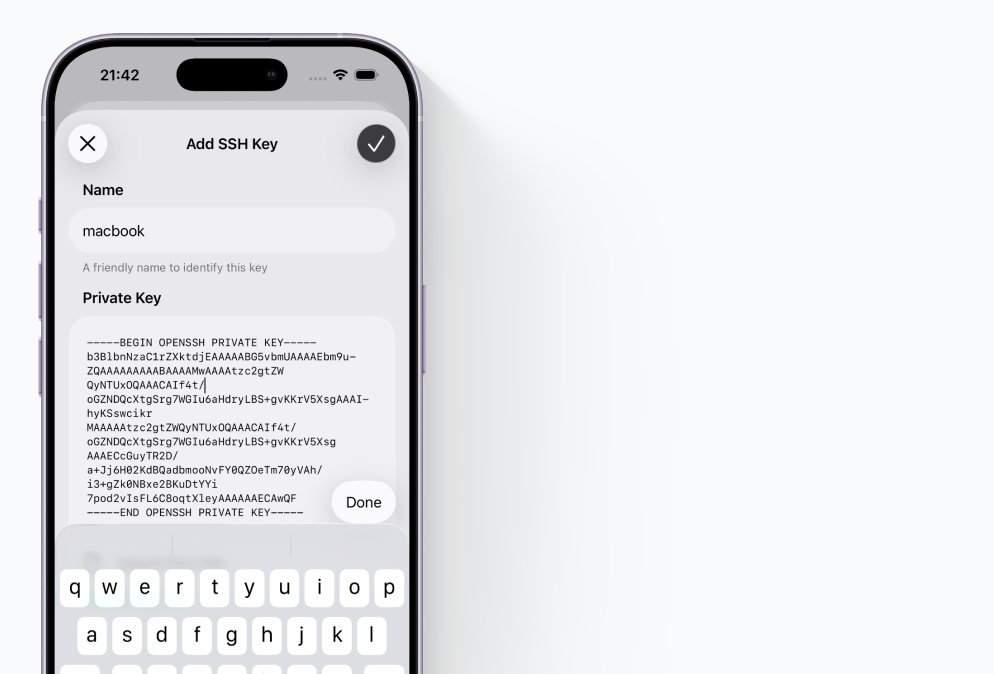
On-device transcription privacy workflow
Familiar native interactions, polished surfaces, and layouts optimized for real use.
Meeting Notes
Never Miss a Detail.
Meeting Notes
Never Miss a Detail.
Requires iPhone 15 Pro or newer running iOS 18.1+ with Apple Intelligence enabled.
No. Processing stays on your device. We do not collect usage data or store your content.
Recording length depends on your available device storage.
Email support@trygrove.dev and include your iOS version, device model, and what happened.
Your data stays on your device. No cloud upload, no analytics tracking, and no account required.
Check docs first, then contact us with details so we can help quickly.
Step-by-step guides and troubleshooting for Meeting Notes.
Reach us directly for bug reports, account issues, or product questions.
See exactly how on-device processing works and what we do not collect.
No subscriptions. No data collection. Just fast, private, on-device results.
Download on the App Store